
IncoPOS for restaurants
Table orders, kitchen and stock in one system.
Restaurant software that connects your waiters, kitchen and manager in one system.
The full Pro version free for 14 days – no card, no contract. After that from €14 per month per workstation, excl. VAT.
- Orders taken right at the table
- Sent straight to the kitchen and bar
- Recipes, stock and food cost
- 15+ years on the market

A real IncoPOS screen: choosing a table and adding items to the order.
How it works
One order. Everything connected.
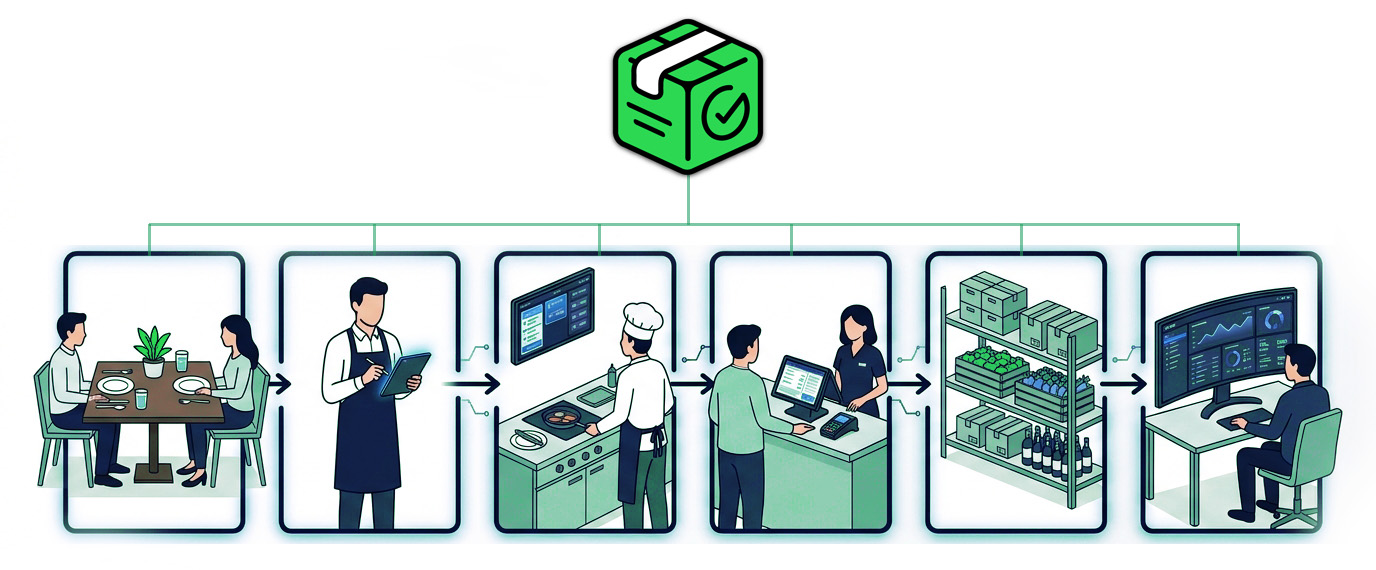
The waiter takes the order. The kitchen receives it. The sale is recorded and the ingredients are deducted by the recipe you set.
01 / Service
The order starts at the table.
Take orders on an Android phone or tablet and add them to the table’s bill.
- No re-entering orders at the till
- Fewer trips to the POS terminal
- More time for your guests
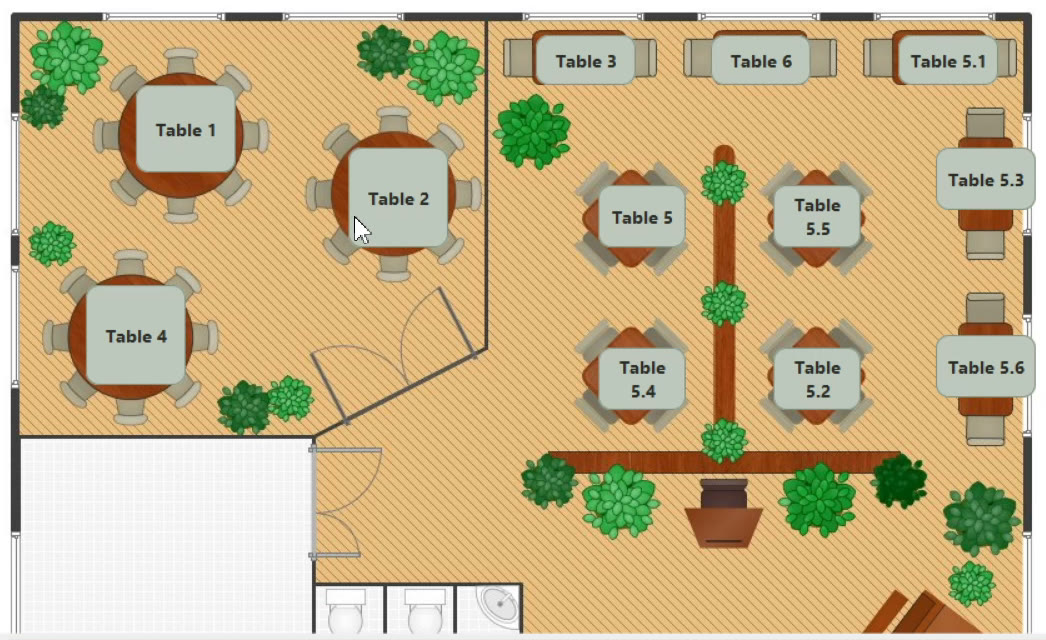
The whole floor at a glance
Arrange the tables to match your floor plan and open any order from the visual plan.
02 / Kitchen and bar
Every order in the right place.
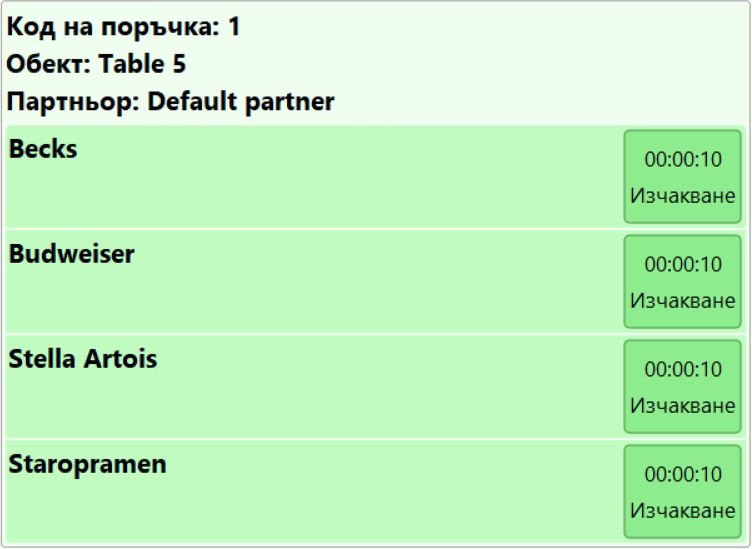
The order goes straight to a kitchen printer or kitchen display.
- Drinks to the bar
- Food to the kitchen
- The right items to each station
Your team starts on the order without passing notes between waiters, kitchen and bar.
03 / Recipes and stock
Every dish is linked to its ingredients.
Set up recipes with the quantities needed. When a dish is sold, IncoPOS records the production and deducts the ingredients by the recipe.
Track stock, deliveries and food cost, and use stock counts to compare recorded quantities with what is really there.
Sample recipe
1 burger sold → deducted by recipe
- 180 g beef
- 1 bun
- 30 g cheese
- 20 g sauce
- 50 g vegetables
You set the quantities to match your recipe. A stock count shows where real usage differs.
Control continues after the sale.
Stock and deliveries
Follow every product from delivery to sale.
- Deliveries and stock levels
- Stock counts, shortages and surpluses
- Write-offs and transfers
- Purchase and weighted average prices
Tills and shifts
Compare the expected cash with the cash actually counted.
- Opening and closing cash
- Users and shifts
- Recorded turnover
- Cash differences
Reports and accounting
Follow the numbers that matter for running the business.
- Sales and cost of sales
- Stock movements and counts
- Any period and any location
- Data export for your accountant
Devices and connectivity
Set up to fit your restaurant.
IncoPOS works with kitchen printers, fiscal devices, scales and card terminals – often with the devices you already have.
- POS computers and touch terminals
- Windows, macOS and Linux devices
- Android phones and tablets
- Kitchen printers and fiscal devices
- Customer displays, scanners and scales
- Card payment terminals
Works without internet
The floor, kitchen and till keep working when the internet goes down. Data syncs as soon as the connection is back.
From one venue to a chain
Manage separate venues, warehouses and workstations, and sync the data you need through IncoCloud.
Self-service
A touch-screen kiosk where guests choose and order by themselves.
Before you choose restaurant software
Will it work with our current devices?
Most likely, yes. IncoPOS works with most fiscal devices and kitchen printers. Send us the models and we will confirm.
What should we prepare for a call?
The type of venue, the number of locations and workstations, the devices you use and the features you need. If you are switching software, tell us your current system.
How much will it cost for our restaurant?
Licenses are per workstation: Basic €14 or Pro €29 per month excl. VAT (€149 or €299 per year). The first 14 days with the full Pro version are free. All plans are on the Pricing page.
Does it work for more than one location?
Yes. IncoPOS supports separate locations, warehouses and workstations, and syncs the data you need through IncoCloud.
Try it free
Try IncoPOS free for 14 days
The full Pro version, no card and no contract. Fill in the form to get started.
Prefer to talk? Call us on +359 878 223 860
Restaurants · Bars · Cafés · Fast food · Hotel restaurants · Chains